
The Summary
Every article, pre-read.
Open an article and the gist is already there. A short lead, the key bullets, the point. Skim the ones you don't care about. Read the ones you do. The full article is always one click away.
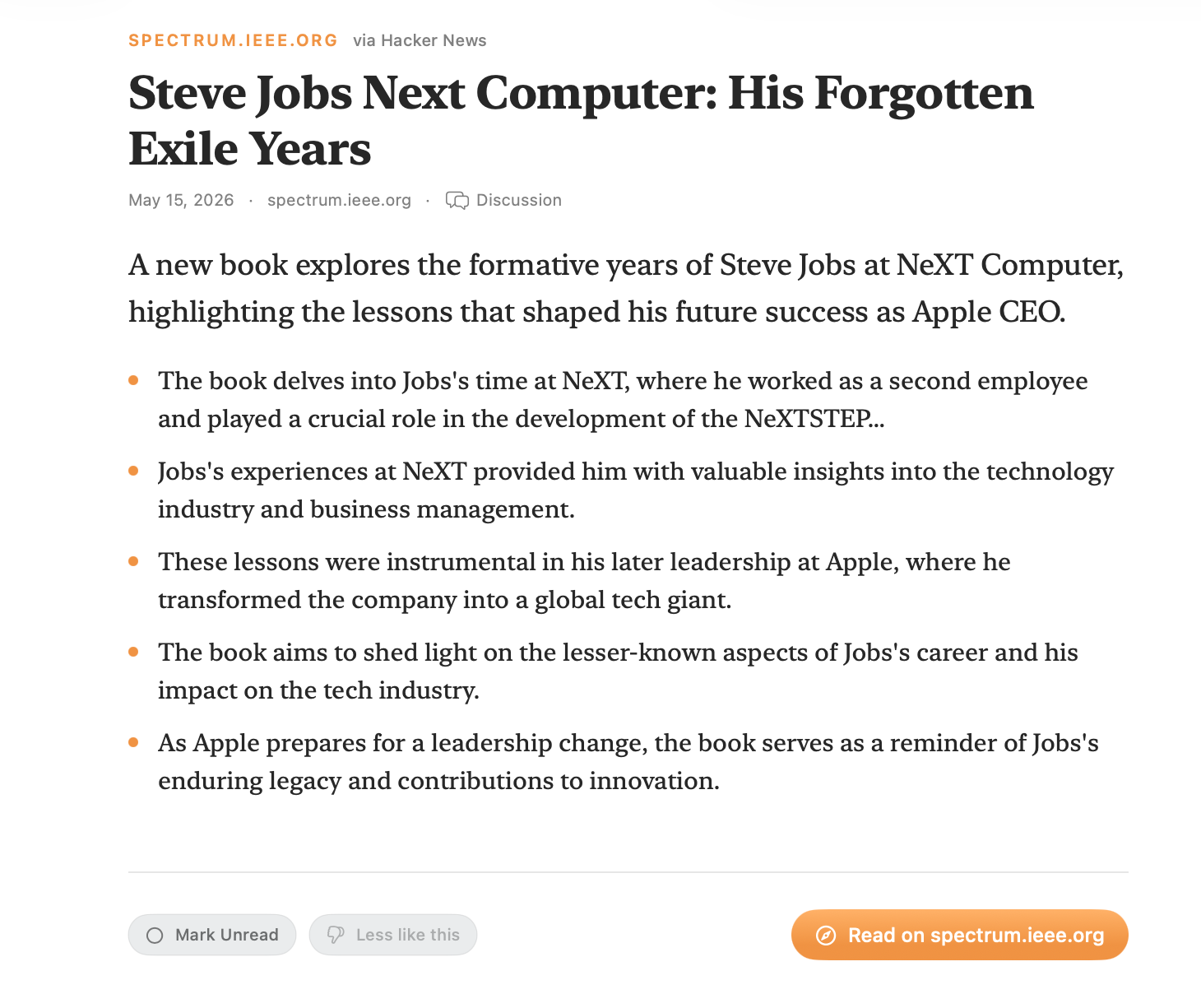
An AI news reader for Mac, like the old NewsFire. Point it at any site (no feeds needed) and it summarizes every article.

7-day free trial, then $29.99/yr · macOS 26+ · Apple Intelligence required
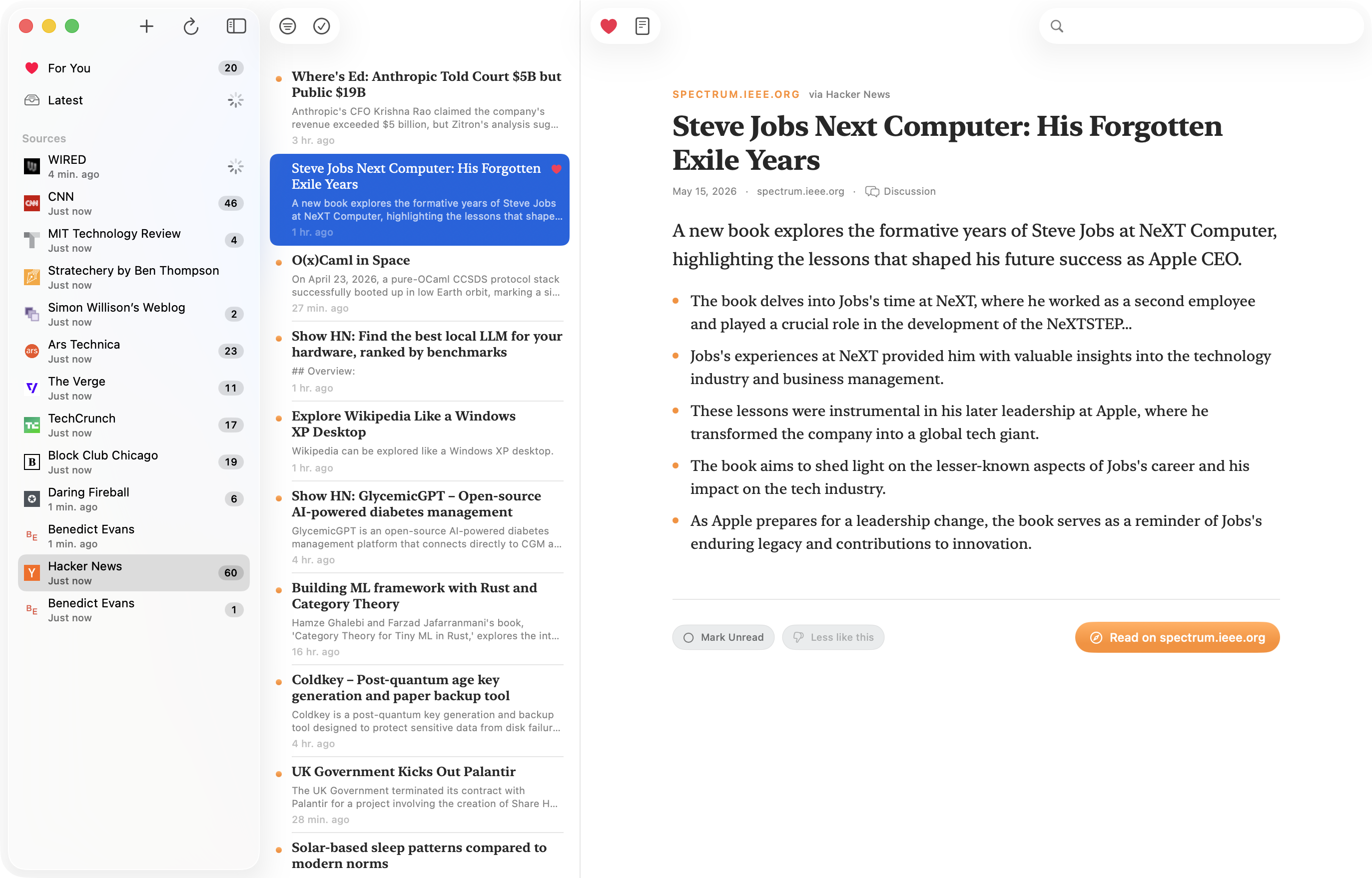
Open an article and the gist is already there. A short lead, the key bullets, the point. Skim the ones you don't care about. Read the ones you do. The full article is always one click away.
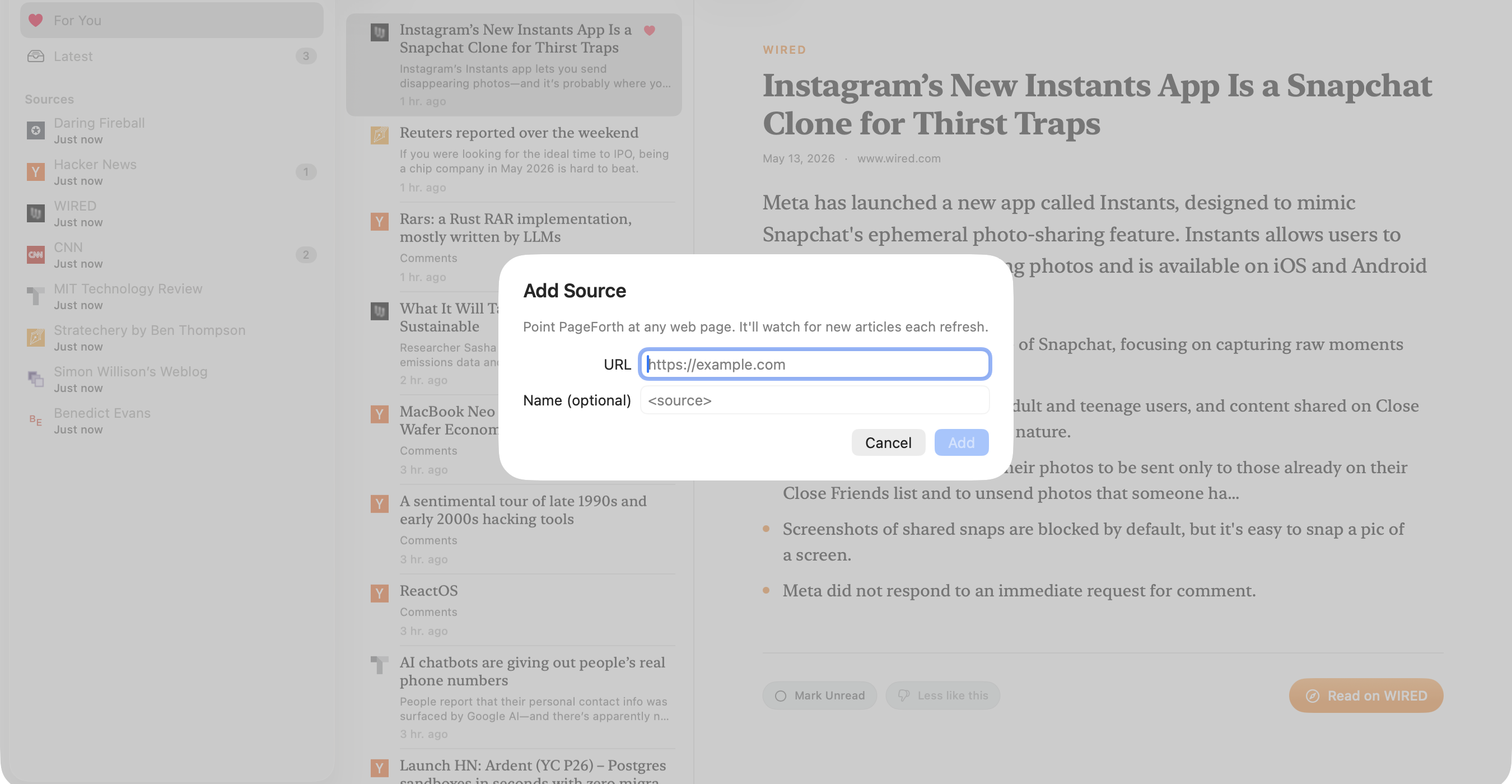
Most sites don't even bother with feeds anymore. PageForth doesn't need them. Paste in any page (a blog, a newsletter, Hacker News, an author's archive) and it figures out what's an article and what isn't.
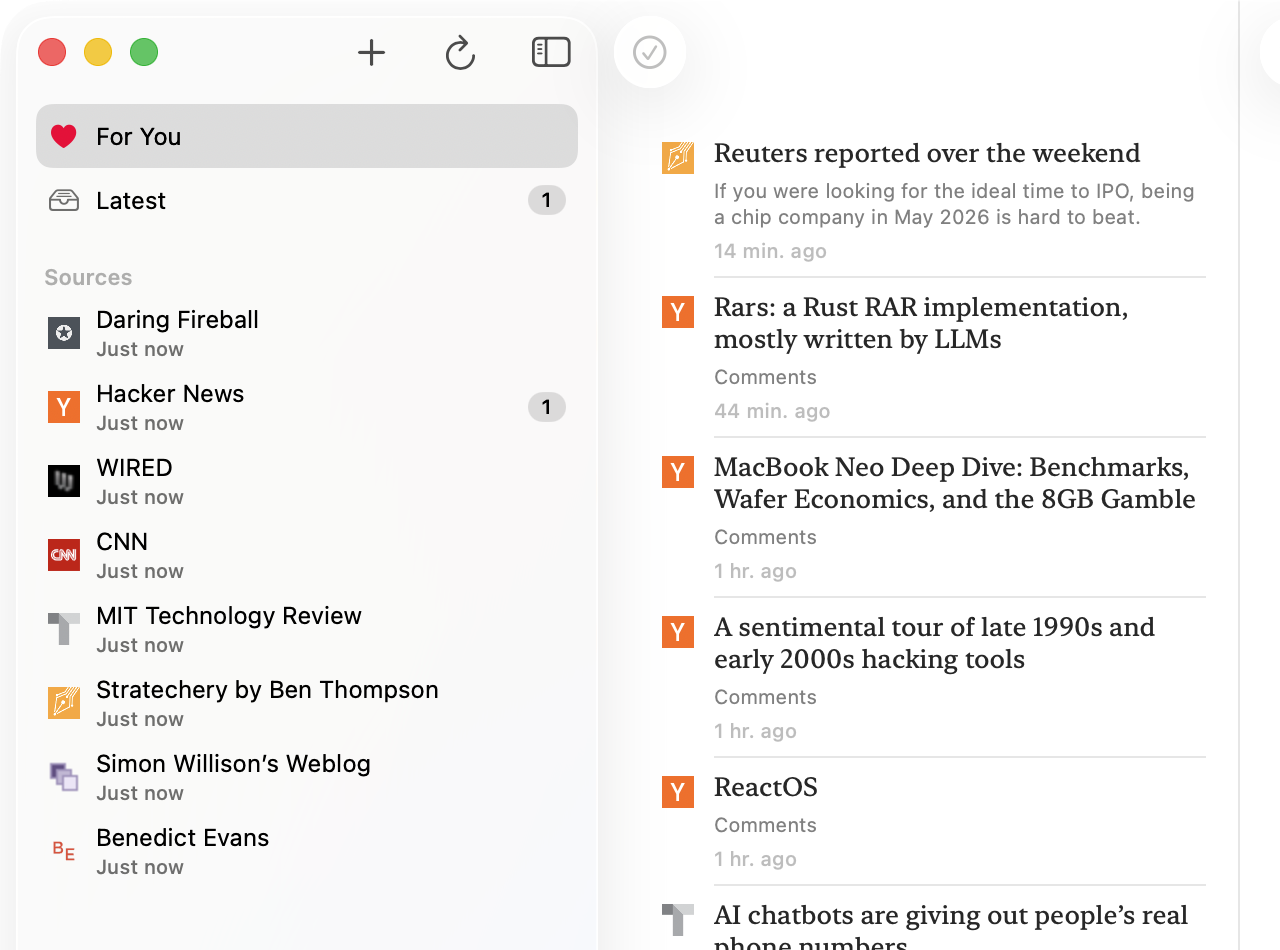
Tap the heart on the ones that land. Thumbs-down the ones that don't. The For You tab puts the next thing you'll want to read at the top. It gets better the more you use it.
Summaries run on your Mac. Ranking runs on your Mac. PageForth uses your on-device Apple Intelligence. No API key. No per-article cost. The price of the app is the price you pay.
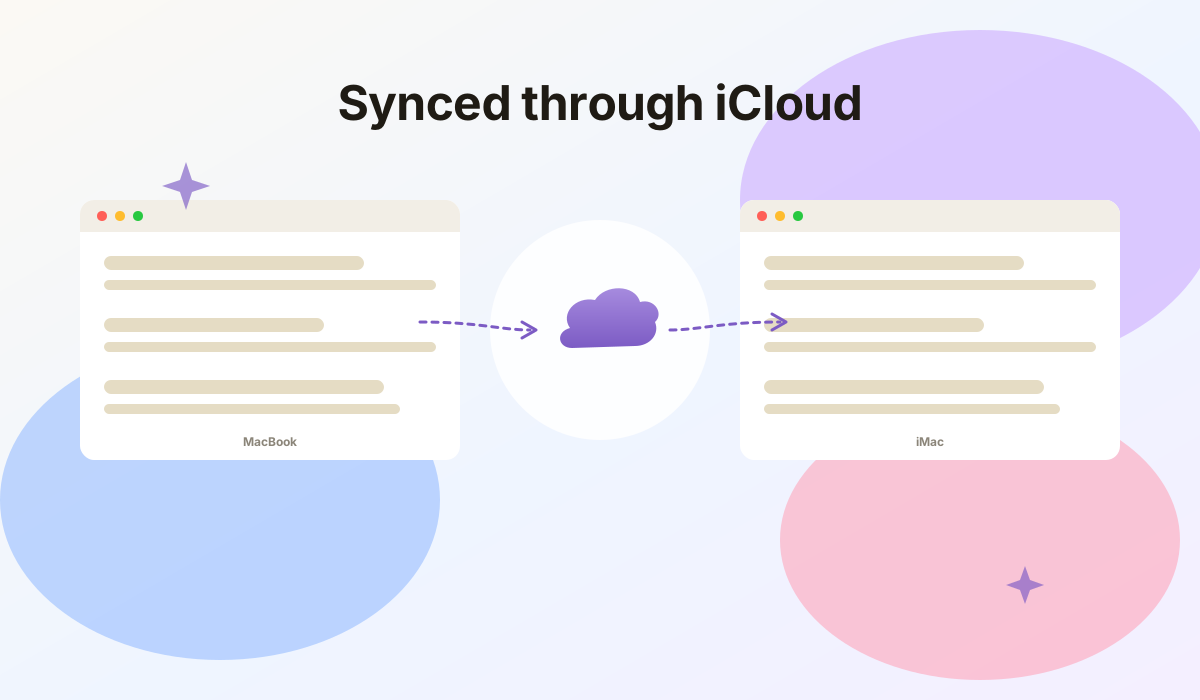
Read on your laptop, pick up on your desktop. PageForth syncs your sources, your reads, your hearts, and your For You feed across all your Macs through iCloud.
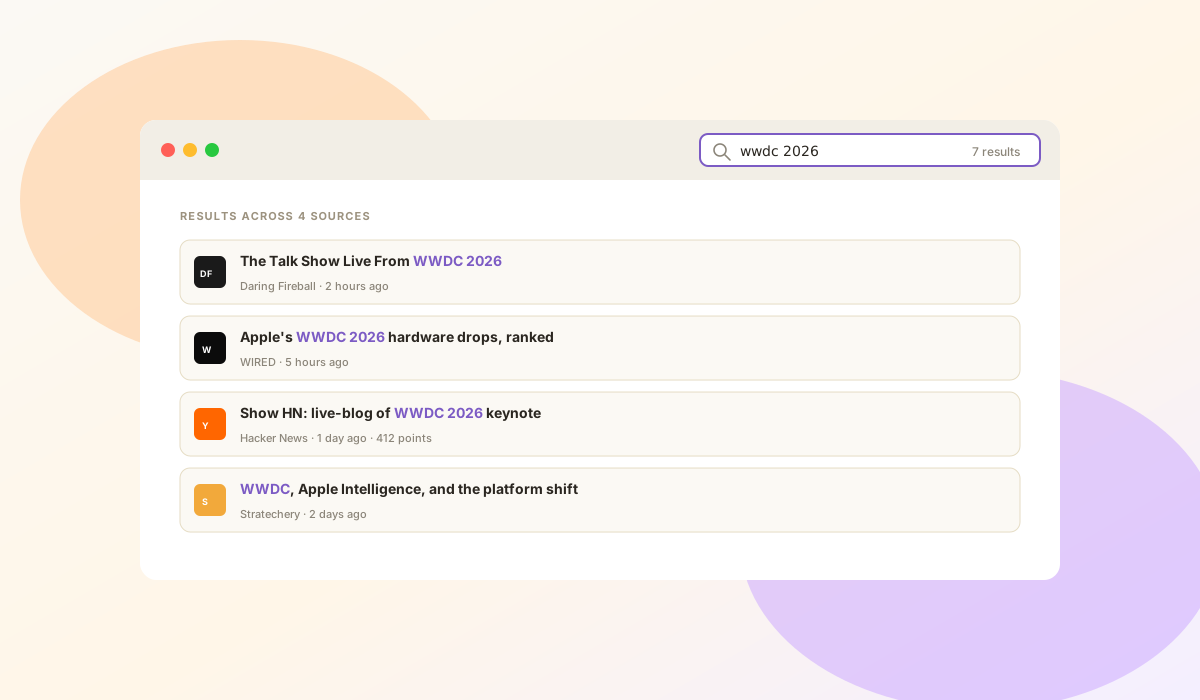
That thing you skimmed last week? Type a word or two. A keyword and semantic search finds the article even when you don't remember the exact words.
Filed under: things we will never collect
I.Articles come straight from the sites. Nothing routes through us.
II.Summaries and ranking run on your Mac. No cloud model. No server of ours in the loop.
III.No analytics. No tracking. No account to make.

Built by Nate Kontny. I've been building software for 25+ years, from Highrise and Draft to two trips through Y Combinator. These days I'm a Staff Engineer at Fivetran, after helping build Census as a founding engineer through its acquisition. PageForth is the kind of tool I like making: small, opinionated, and built to remove steps from things you do every day.
Need anything? Email me at nate@ninjasandrobots.com. I'd love to hear from you.
Yes. It needs macOS 26 or later with Apple Intelligence turned on and the on-device model downloaded. The summaries are the whole point of the app, and they run on your Mac.
Yes. Summaries and ranking run on your Mac through Apple Intelligence. There is no cloud model and no server of ours in the loop. Articles come straight from the sites you add. No analytics, no tracking, no account to make.
It can, but it doesn't have to. If a site offers an RSS feed, paste it in. If it doesn't, paste the page itself (a blog, a newsletter, Hacker News, an author's archive) and PageForth figures out what is an article and what isn't. The feed is optional, never required.
$29.99 a year with a 7-day free trial, on the Mac App Store. The price of the app is the price you pay. No API keys, no per-article cost.
Yes. PageForth syncs your sources, your reads, your hearts, and your For You feed across all your Macs through iCloud.
$29.99 a year.
7-day free trial · Cancel anytime
On the Mac App Store · Requires macOS 26+ with Apple Intelligence